FlipMagz / PDF to flipbook
PDF to flipbook
Drop your PDF below. Every page turns into a flipbook page right here in your browser, and the flipbook opens the moment it is ready.
Free for one flipbook up to 40 pages · no download · your file stays in your browser
The short answer
How do I convert a PDF to a flipbook for free?
Open this page, drop your PDF on the box above and wait a few seconds while the pages are made. Your flipbook opens straight away; press Save to get a link you can share on WhatsApp or embed on your website. One flipbook of up to 40 pages is free.
From Canva, InDesign, Word, PowerPoint or anything else. In Canva: Share, then Download, then PDF Print.
Drag the file onto the box, or tap it on a phone and pick the PDF from your files.
Each page is made sharp for phones and big screens, in your browser. The flipbook opens on its own.
Save to get your link, share image and embed code. Send it on WhatsApp or paste it on your site.
HTML5 flipbook
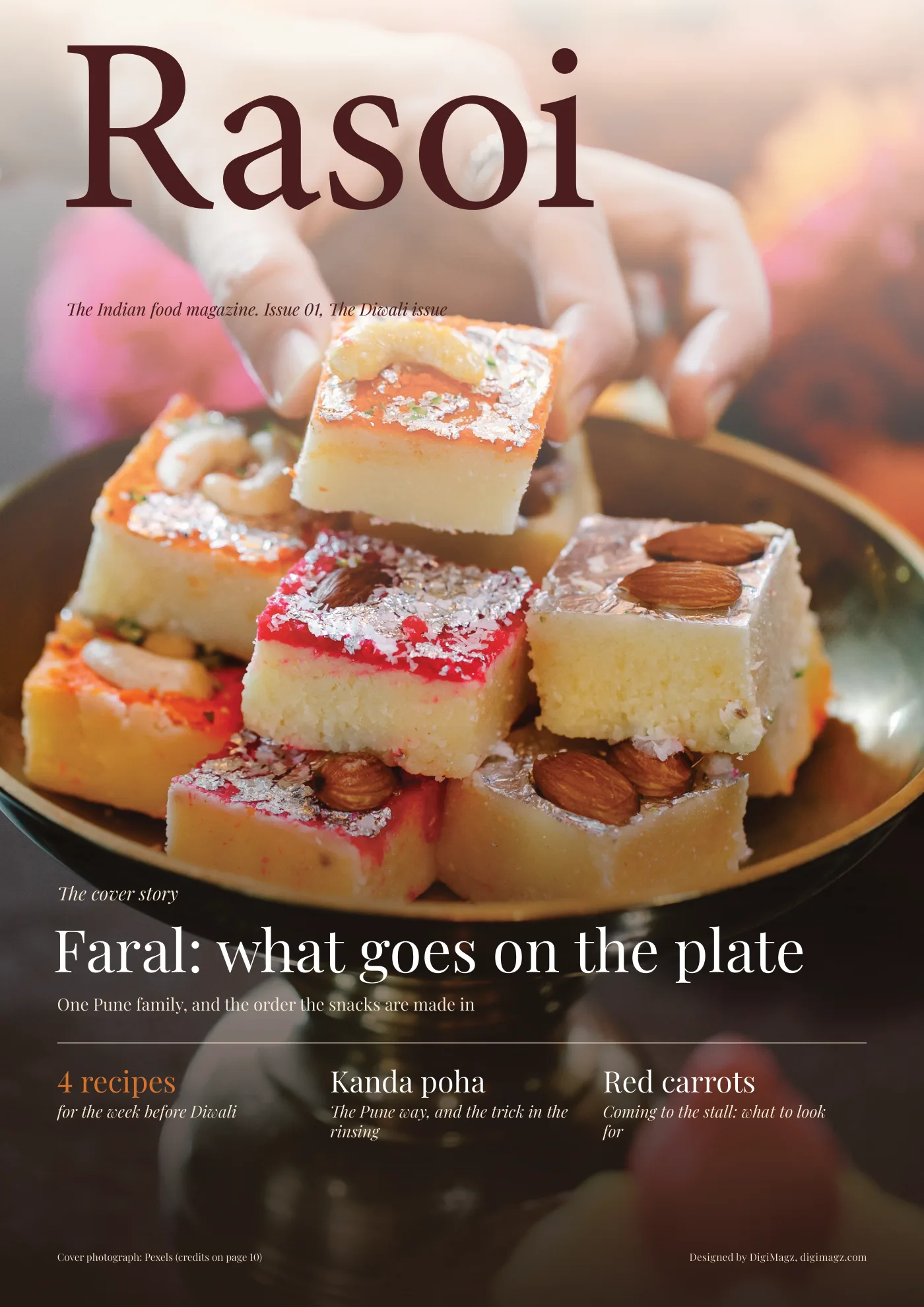
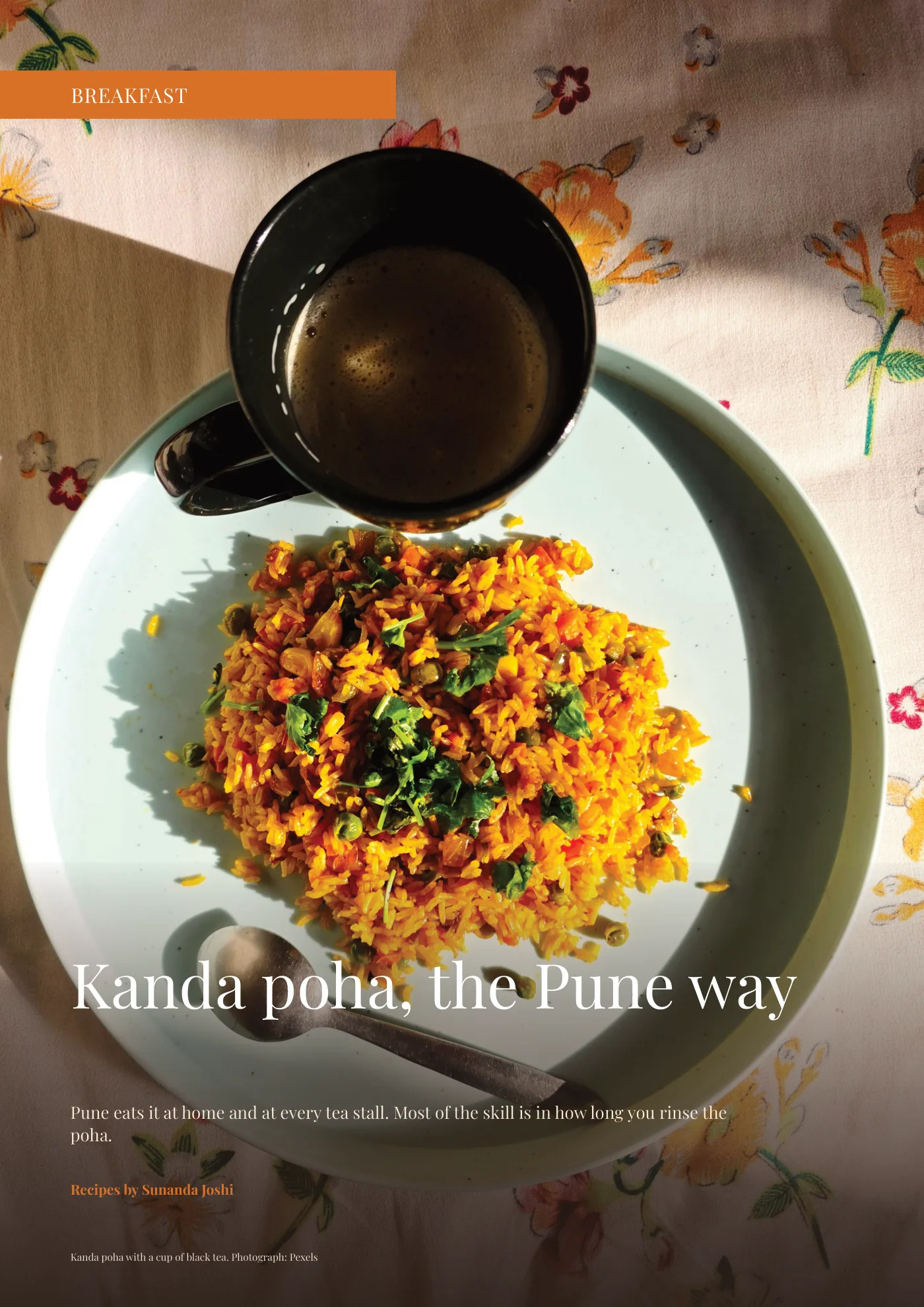
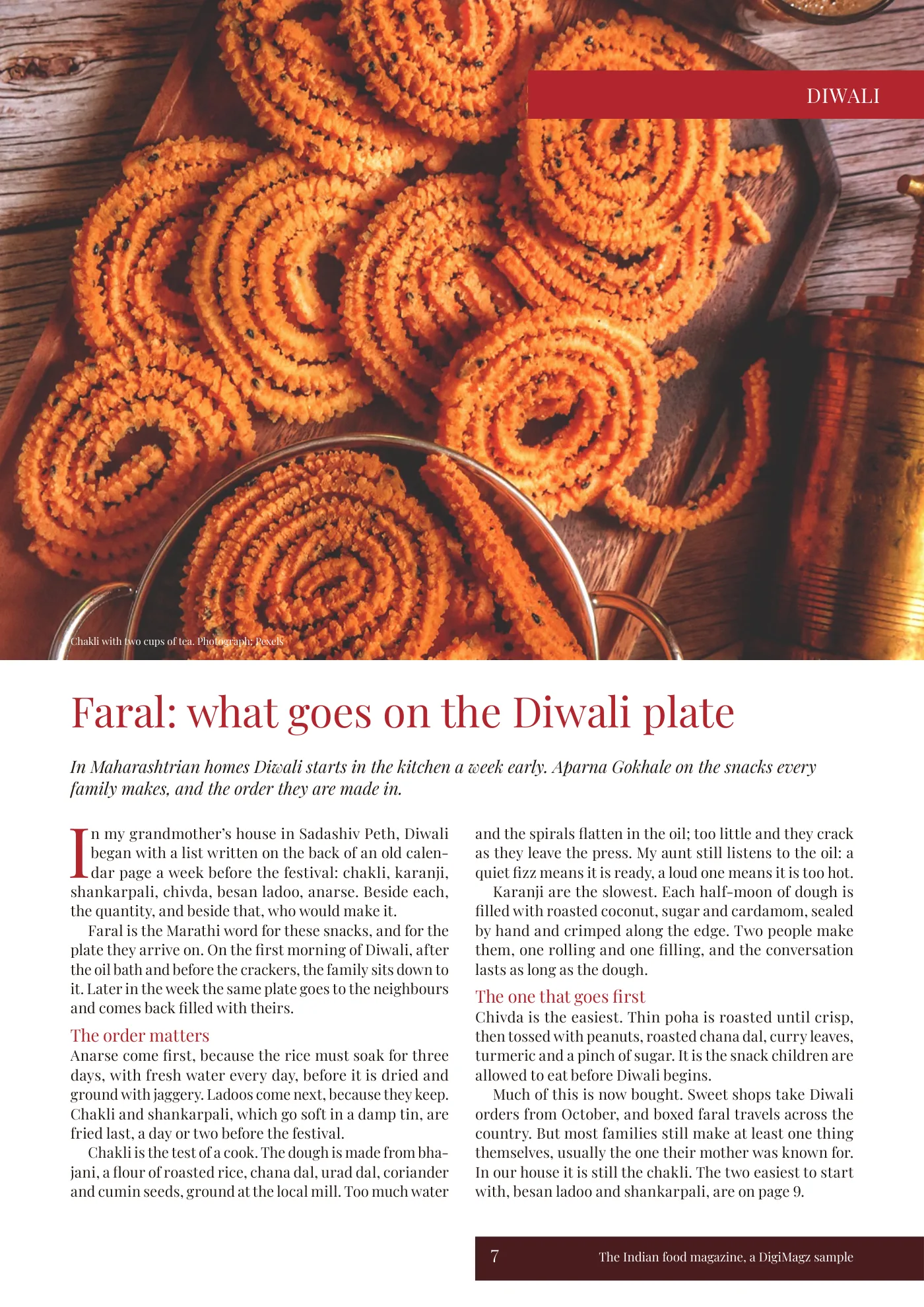
Your flipbook is plain HTML5: it runs in the browser people already have. No Flash, no app to install, nothing for the reader to download. A link opens it on an iPhone, an Android phone, a tablet or a computer.
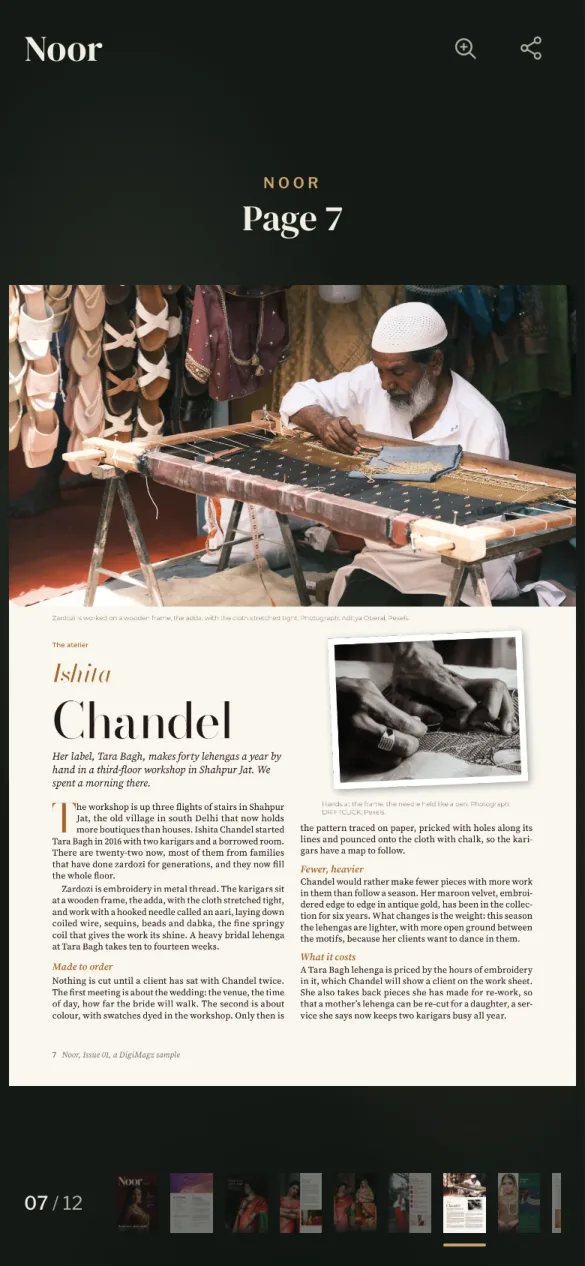
On a computer it shows two-page spreads, like an open magazine. On a phone it shows one page at a time, filling the screen, so the text stays readable without pinching. Readers swipe or drag a corner to turn, tap the magnifier to zoom, and can switch the page sound on or off.
Keyboard arrows turn pages, a thumbnail strip jumps to any page, and the share button sends the link on WhatsApp or copies it.
File limits
Any PDF that opens in a normal PDF reader will work. Very large files take longer simply because your own device does the work.
| Plan | Pages per flipbook | Flipbooks |
|---|---|---|
| Free | Up to 40 (a longer PDF gives its first 40) | 1 |
| Pro | Up to 300 | Unlimited |
| Business | Up to 300 | Unlimited |
What happens to your file
Drop the PDF on this page or choose it from your files. FlipMagz turns each page into a flipbook page in your browser and opens it at once. Saving it to get a share link is free for one flipbook of up to 40 pages.
No. FlipMagz runs in any modern browser on a computer or a phone: Chrome, Safari, Edge or Firefox.
The free plan makes flipbooks of up to 40 pages; if your PDF is longer, it makes the first 40. Pro and Business take up to 300 pages per flipbook.
Not while you try it. The pages are made inside your own browser and nothing leaves your device. The page images are stored only when you choose Save, so that your flipbook has a link.
A flipbook that runs in the web browser itself, with no Flash and no app. It opens from a normal link on phones, tablets and computers. Every FlipMagz flipbook is an HTML5 flipbook.
The pages are shown as sharp images, exactly as they look in the PDF, so links and media inside the PDF do not play. You can add an enquiry form and a WhatsApp button to the flipbook on Pro.
Save a copy without the password first, then drop that copy here. On Business you can put a password on the flipbook itself.