FlipMagz / Flip magazine maker
Flip magazine maker
Your magazine as a flip magazine that people actually read on their phones. Drop the PDF and turn the first page in seconds.
Free for one flipbook up to 40 pages · no download · your file stays in your browser
From Canva
Most school, club and society magazines are made in Canva now. Canva exports a PDF; FlipMagz turns that PDF into a flip magazine.
How do I make a flip magazine from Canva?
In Canva choose Share → Download, set the file type to PDF Print and download it. Drop that file on this page. Your flip magazine opens straight away, ready to save and share.
Open your magazine in Canva and press Share at the top right.
Choose Download. Keep all pages selected.
Pick PDF Print as the file type (sharper than PDF Standard) and download.
Drop the PDF on the box at the top of this page. That is the whole job.
Designing in InDesign, Affinity, Word or PowerPoint instead? Export a PDF the usual way; the steps after that are the same.
A magazine, turning
A 12-page sample issue by our studio, made into a flipbook by the same engine you get.
Magazine examples
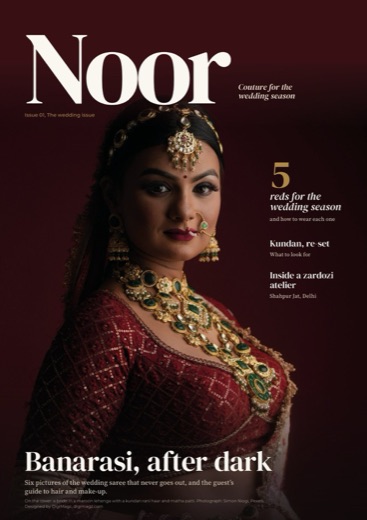
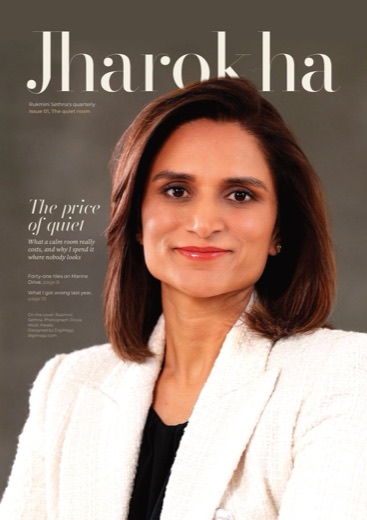
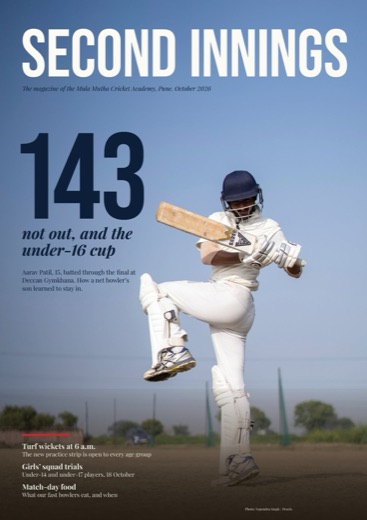
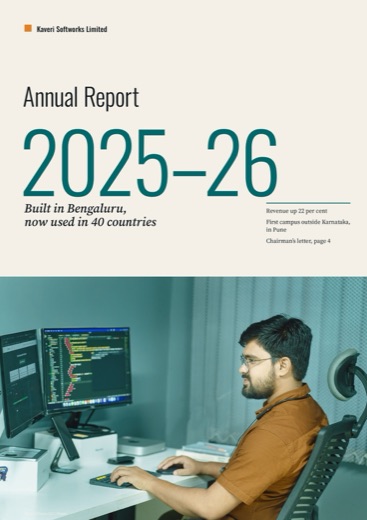
Every cover here is a sample our studio designed to show what a magazine can look like, and each one reads as a flipbook. They are our own work, not customers’ issues.


Who makes flip magazines with us
The annual magazine or the term newsletter, sent to parents as one link instead of a 20 MB attachment.
Housing society news, a club bulletin, an alumni yearbook: read on the phone, passed on in WhatsApp groups.
A monthly magazine or trade newsletter with its own link and embed code on your website, issue after issue.
Done for you
DigiMagz, the studio behind FlipMagz, designs magazines and newsletters and hands over the print PDF and the flipbook together.
In Canva open your design, choose Share, then Download, and pick PDF Print as the file type. Download it, then drop that PDF on flipmagz.com. The flip magazine opens in your browser a few seconds later.
Yes. A school magazine of up to 40 pages fits the free plan. Share the link with parents on WhatsApp, or embed the magazine on the school website.
On Pro you can keep every issue online, each with its own link, up to 300 pages each. On the free plan you replace last issue's flipbook with the new one.
Yes. On a phone the flip magazine shows one page at a time, filling the screen, so body text reads at its printed size. On a computer it opens as two-page spreads.
Yes. Our studio, DigiMagz, designs magazines, newsletters and annual reports, and delivers both the print PDF and the flip magazine.